
· Marvin
CI with RWX is Now Available on Entire
Since we rolled out access to Entire last month, we’ve been committed to bringing as many partners on board as possible, so developers everywhere can choose the tools that work best for them. Starting today, we’re thrilled to partner with RWX, giving you another native CI option in Trails, our replacement for the pull request.
Instead of scripts on virtual machines, RWX runs workflows as a graph of discrete, cacheable tasks so independent work runs with maximum parallelization. Retries start at the point of failure, and unchanged work is never repeated. With right-sized compute per task, per-second billing, and rich, debuggable results in place of raw logs, RWX helps execute builds and tests for verifying work directly in Trails.
To try it yourself, follow the steps below:
Setting Up the Entire + RWX Integration
- On entire.com go to Projects, select the project in which you want to enable RWX, then click on Plugins.
- Choose the RWX plugin and click Install. You will be routed to the RWX integrations page.
- Then you will need to select the project and under that the repositories the plugin can access. Click Install to complete the plugin installation.
- In RWX, open your organization's VCS integrations page and confirm the Entire connection, with status checks enabled.
- Add an RWX run definition to your repository, such as
.rwx/push.yml, with anentiretrigger onpushortrail. Commit and push it, and matching pushes or Trail updates will now trigger RWX runs. Our CI setup guide has the full configuration.
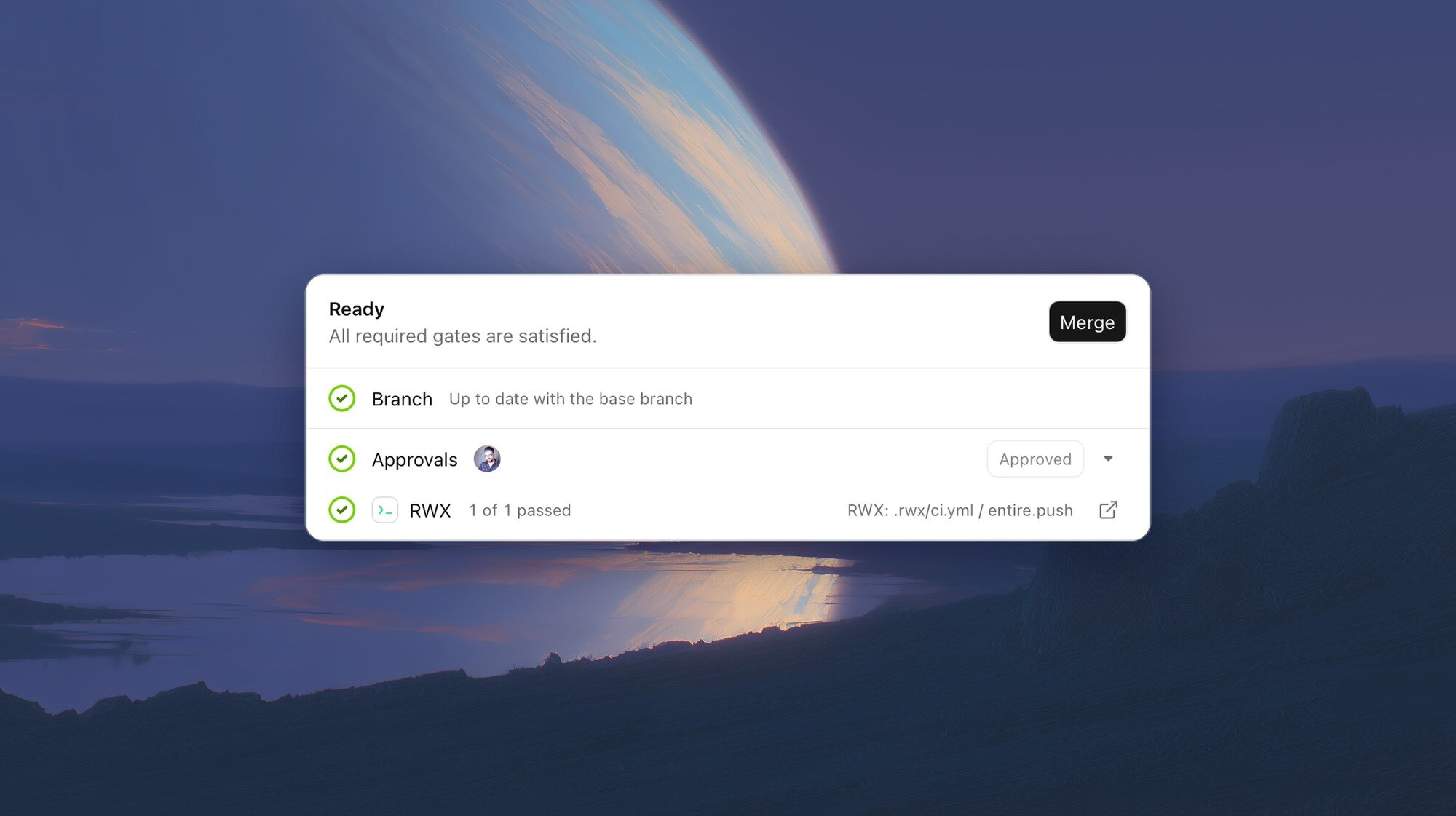
Welcome to the Rebellion, RWX
RWX joins our existing integrations with Buildkite, Depot, and Dagger, so you have a full suite of CI solutions to choose from.
As always, join our Discord and let us know what you think. Beep, boop.